


If the site still loads and customers can still find your phone number, why touch it?
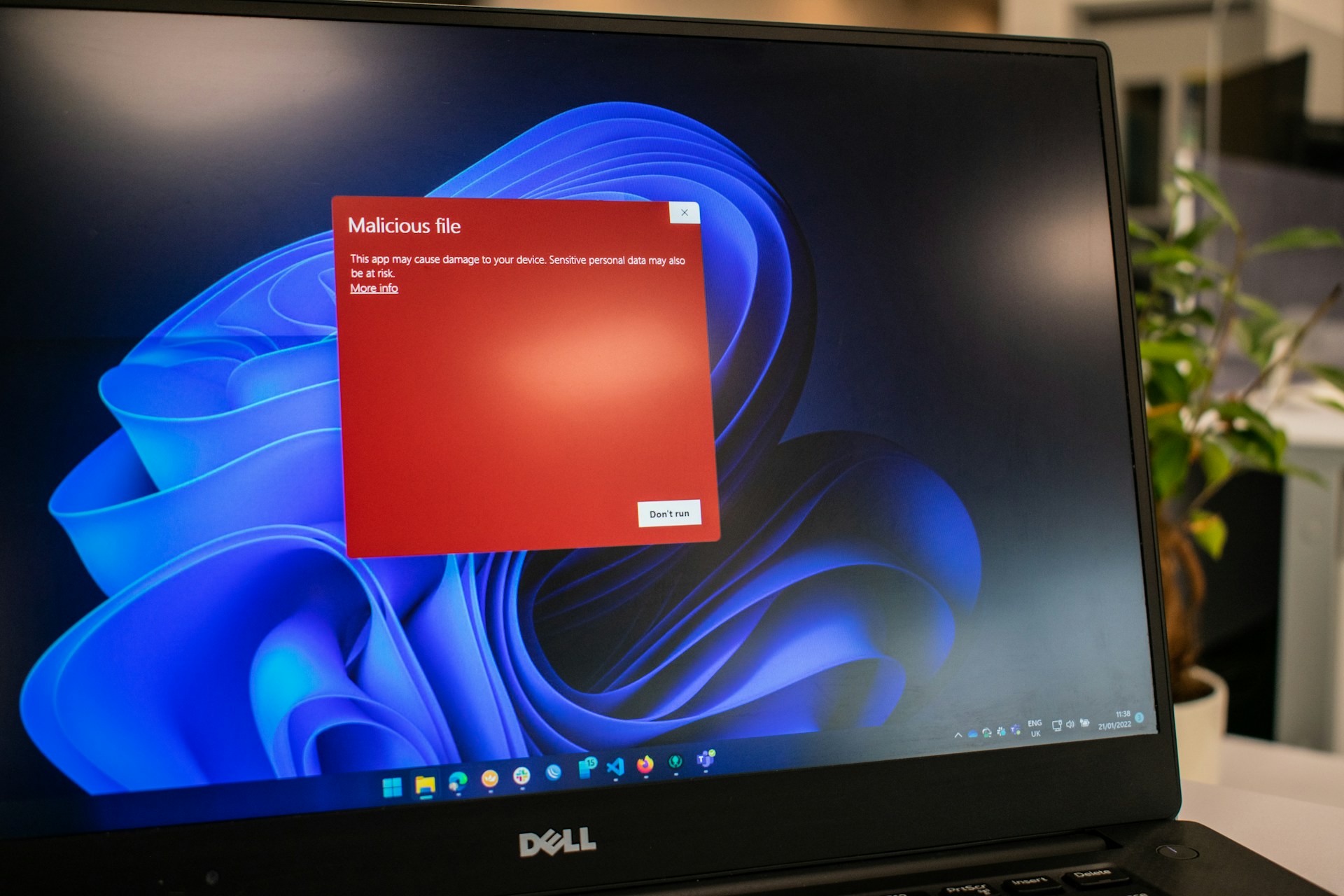
Here’s the uncomfortable truth: outdated plugins, old themes, and unsupported platforms are one of the easiest ways hackers get in. What looks like a harmless, slightly dated website can actually be a wide‑open door to malware, data theft, SEO penalties, and unexpected downtime.
A redesign isn’t just about making things look modern. Done properly, it’s a full rebuild on a more secure foundation - one that uses current security standards, actively supported technology, and infrastructure designed for the long haul.
Let’s unpack why aging websites are so vulnerable, what actually causes the risk, and how a thoughtful redesign dramatically reduces your exposure.
Modern websites rely heavily on plugins and extensions. They add functionality like contact forms, booking systems, ecommerce, analytics, pop‑ups, and more. The problem isn’t plugins themselves - it’s plugins that are no longer maintained.
When a plugin developer stops updating their software, several things happen:
Many attacks don’t target your business specifically. Bots scan the internet looking for known vulnerabilities in outdated plugins. If your site happens to match, you’re compromised automatically.
A redesign forces a cleanup:
Fewer plugins, better‑maintained plugins, and smarter architecture dramatically shrink your attack surface.
Website themes control far more than visual appearance. They often handle:
An outdated theme can contain security flaws just as serious as a bad plugin. Worse, many older themes rely on deprecated code or third‑party libraries that are no longer safe.
Some red flags:
This isn’t just safer—it’s also more stable, faster, and easier to maintain going forward.
One of the most dangerous scenarios is running a website on a platform that’s no longer supported.
That might mean:
Once a platform reaches “end of life,” it becomes a ticking clock. Vulnerabilities are discovered, documented, and actively exploited - with no official fixes coming.
A redesign typically includes:
This transition alone can eliminate entire categories of risk overnight.
Hackers don’t care if your business is small, local, or niche. They care about ease of access.
Outdated sites are attractive targets because:
Common consequences include:
Often, businesses don’t even realize they’ve been hacked until:
At that point, the damage is already done.
A proper redesign is not a paint job. It’s a structural rebuild.
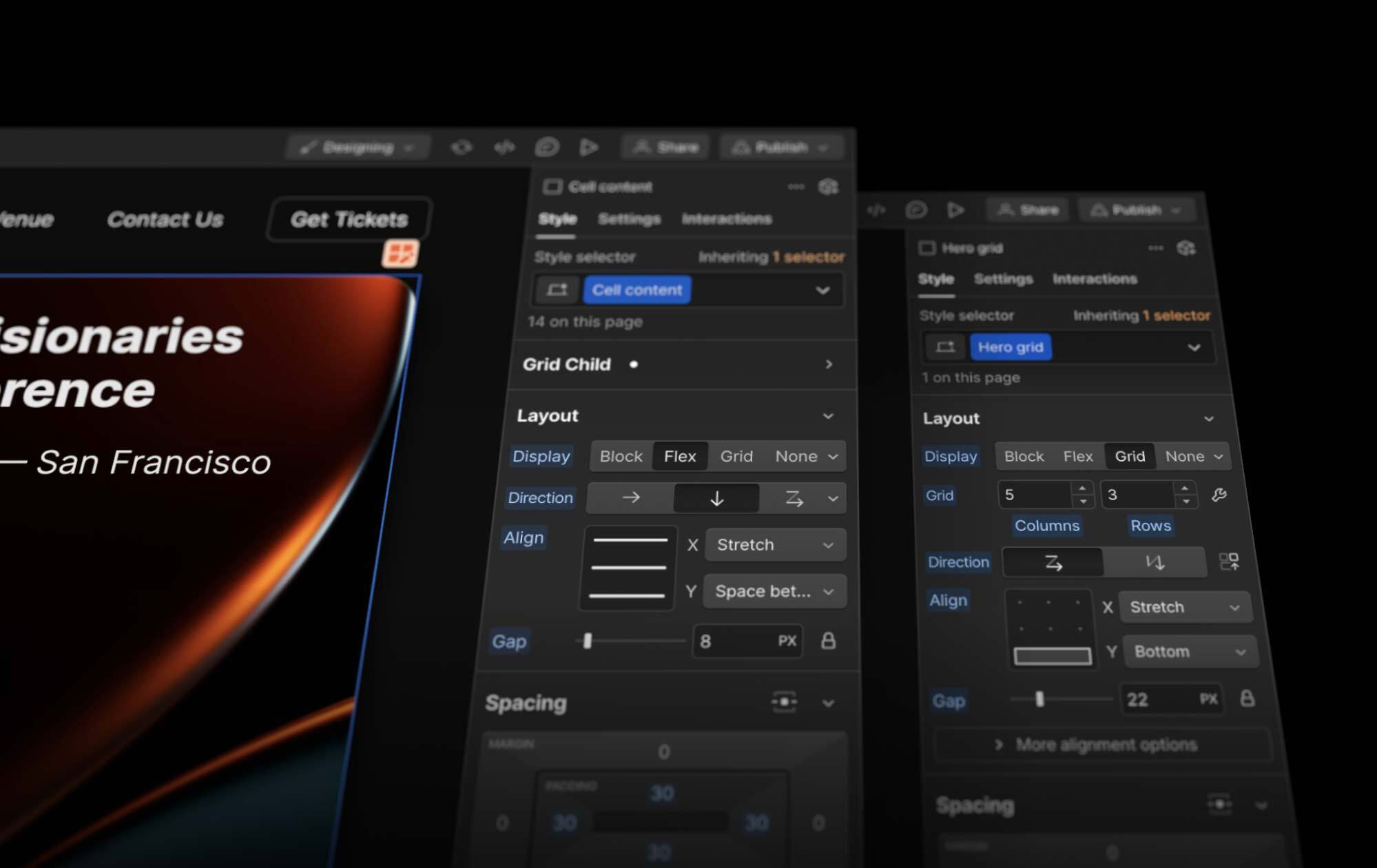
Security improvements typically include:
Instead of patching holes one by one, a redesign eliminates many of them entirely.
Think of it like replacing an old house’s wiring instead of taping over frayed cables.
Today’s web standards prioritize security in ways that didn’t exist even five years ago.
A redesigned site can incorporate:
Many of these protections are impossible - or extremely difficult - to retrofit onto legacy systems.
Starting fresh allows them to be baked in by default.
Security issues don’t always show up as hacks. Sometimes they show up as downtime.
Old websites often suffer from:
Every update becomes stressful. Every fix risks breaking something else.
A redesign replaces fragile systems with:
The result is a site that doesn’t just resist attacks - it stays online.
One of the biggest benefits of redesigning with security in mind is futureproofing.
Instead of:
You get:
Security stops being reactive and becomes part of normal operations.
Search engines actively penalize compromised or insecure sites.
That means:
Even a temporary security incident can permanently damage trust.
A redesigned, secure website signals:
To both users and search engines.
It’s tempting to fix problems as they appear:
But if the foundation is old, those fixes don’t stick.
A redesign addresses:
It’s almost always cheaper than repeated emergency repairs.
You should seriously consider a redesign if:
These aren’t cosmetic issues—they’re warning signs.
Website security isn’t just about firewalls and passwords. It starts with the technology your site is built on.
Outdated plugins, old themes, and unsupported platforms quietly increase risk every day. They invite hacks, malware, downtime, and lost trust.
A redesign rebuilds your site on modern security standards and stable, long‑term technology. It replaces fragile systems with resilient ones—and turns your website from a liability into a dependable business asset.
If your site hasn’t been rebuilt in years, the question isn’t “Do we need a redesign?” It’s “How much risk are we willing to carry?”

Your customers are searching online first - and Google is deciding who they see.
Top 10 Signs Your Website Needs a Redesign and how we can help.

